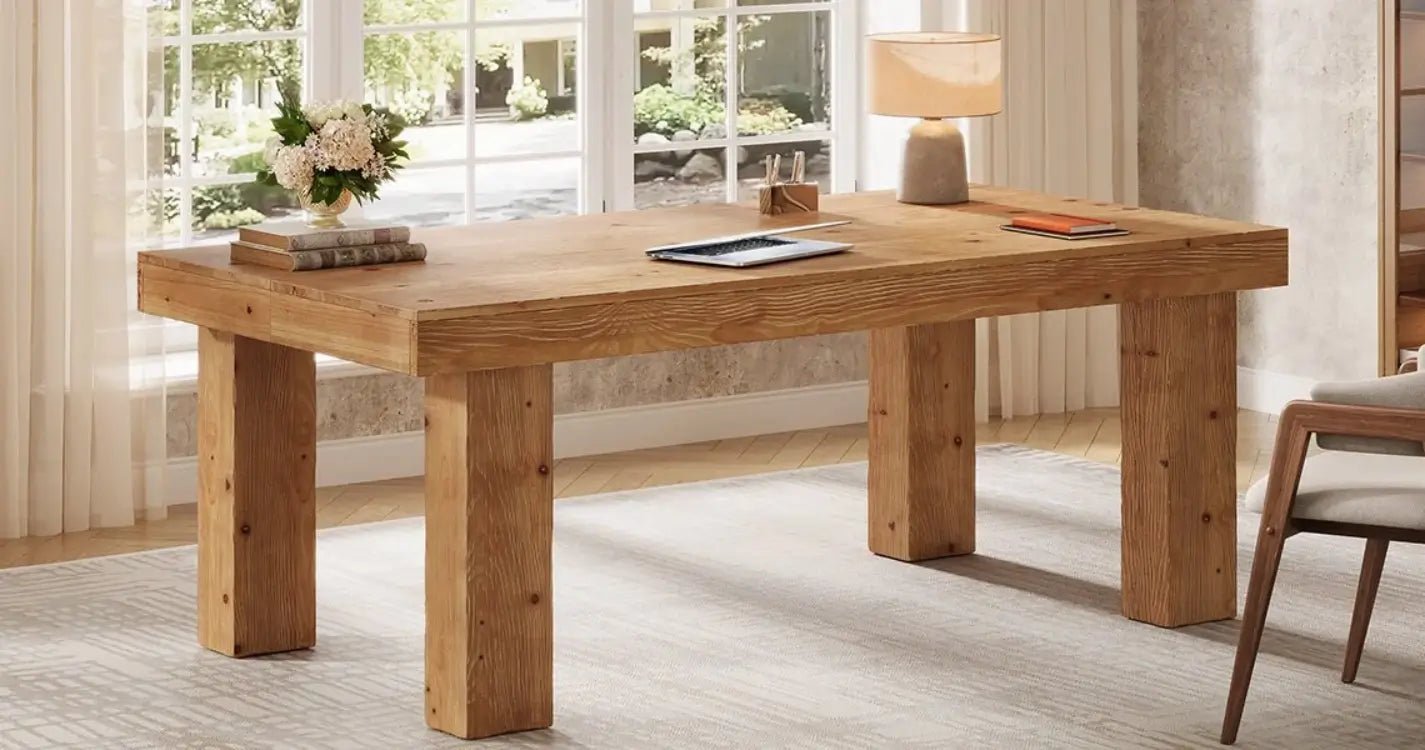











Best Desk Depth For Dual Monitors
For most users, these measurements provide a good guideline:
|
Desk Depth |
Best For |
Notes |
|
20–24 inches |
Small spaces, basic office setups |
Works for compact monitors but may feel limited |
|
24–30 inches |
Most dual-monitor setups |
Best balance of comfort and space |
|
30–36 inches |
Gaming, creative work, large monitors |
Provides extra room and a more premium feel |
For a typical home office with two 24-inch or 27-inch monitors, a 30-inch desk depth provides the most flexibility. It allows the screens to sit at a comfortable distance while keeping the keyboard and mouse area open.
While depth affects screen distance, desk height plays an equally important role in comfort. A standard computer desk is usually around 28–30 inches tall, which works well with most office chairs.

How Much Desk Width Do You Need for Two Monitors?
Depth is only one part of the equation. Width determines whether your monitors feel organized or crowded.
A general guideline:
|
Monitor Setup |
Recommended Desk Width |
|
Two 24-inch monitors |
48–55 inches |
|
Two 27-inch monitors |
55–60+ inches |
|
Two 32-inch monitors |
60–72 inches |
A 60-inch-wide desk is a popular choice for many dual-monitor users because it leaves room for both screens while maintaining a balanced workspace.
If you also use a desktop tower, speakers, or decorative items, going slightly wider can make the setup feel much more comfortable.
Is a 24-Inch Deep Desk Enough for Two Monitors?
Yes, but it depends on your setup. A 24-inch desk depth can work if you use:
- Smaller monitors (24–27 inches)
- Monitor arms instead of bulky stands
- A minimalist workspace
However, it may feel tight if you have:
- Large 32-inch monitors
- A deep keyboard
- Desk speakers
- A lot of accessories
A monitor arm can make a big difference because it moves the screen off the desktop and frees up valuable surface space. Keep in mind, though, that it does not change your ideal viewing distance — your eyes still need enough room from the screen.

Why 30 Inches Is the Sweet Spot for Most Users
A 30-inch-deep desk hits the balance most people are looking for.
It provides enough space for a comfortable dual-monitor arrangement without making the desk feel oversized in a home office.
With 30 inches of depth, you can typically fit:
- Two monitors on stands or arms
- A full-size keyboard
- A mouse area with comfortable movement
- A few personal items without clutter
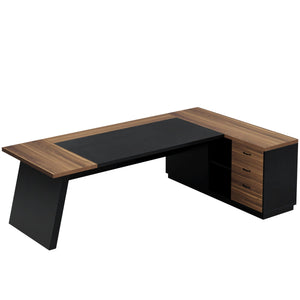
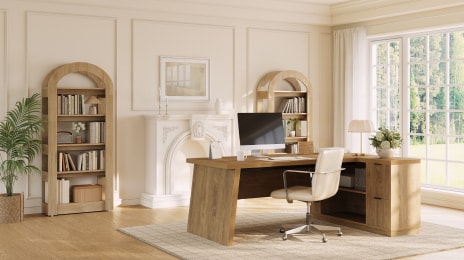
For remote workers and everyday computer users, this size usually feels spacious without taking over the room. For users building a larger home office setup, executive desks and large computer desks provide additional workspace for dual-monitor configurations.
Does Monitor Size Change the Desk Depth You Need?
Yes. Larger monitors usually benefit from a deeper desk.
A 24-inch monitor setup can feel perfectly comfortable on a smaller desk, but a pair of 32-inch displays creates a much larger visual footprint.
Here is a simple guide:
|
Monitor Size |
Recommended Desk Depth |
|
24-inch monitors |
24–28 inches |
|
27-inch monitors |
28–30 inches |
|
32-inch monitors |
30+ inches |
|
Ultrawide monitors |
30–36 inches |
Curved and ultrawide monitors often need more space because they extend farther into your viewing area.

Best Desk Depth for Different Two-Monitor Setups
Different users need different amounts of workspace.
Home Office Setup
Recommended depth: 24–30 inches
For emails, meetings, documents, and everyday productivity, a 30-inch desk provides a comfortable working area without requiring a large room.
Gaming Setup
Recommended depth: 30+ inches
Gaming setups often include:
- Larger monitors
- Mechanical keyboards
- Extended mouse movement
- Headset stands and accessories
A deeper desk helps keep everything organized and comfortable during longer sessions.
Creative Workstation
Recommended depth: 30–36 inches
Designers, editors, and content creators often benefit from extra room for:
- Reference materials
- Drawing tablets
- Audio equipment
- Additional accessories
A deeper surface creates a more flexible workspace.
Other Features to Consider for a Dual Monitor Desk
Desk depth is important, but it is not the only thing that affects your setup.

Desktop Thickness
A sturdy desktop helps prevent flexing, especially with heavier monitors or monitor arms.
For most computer desks, a thickness around 0.75–1 inch (19–25 mm) provides a solid foundation for everyday use.
Weight Capacity
Two monitors may not seem heavy, but accessories add up quickly.
Consider the combined weight of:
- Monitors
- Monitor arms
- Desktop PC
- Speakers
- Accessories
A strong frame matters just as much as the tabletop material.
Cable Management
A larger desk setup can quickly become cluttered.
Features like cable trays, built-in outlets, or routing holes help maintain a cleaner workspace.
Final Verdict: What Desk Depth Is Best for Two Monitors?
For most people, a 30-inch desk depth is the best choice for a two-monitor setup. It offers enough space for comfortable viewing, smooth mouse movement, and everyday accessories without feeling unnecessarily large.
A 24-inch desk is a practical option for smaller spaces, especially when using monitor arms. If you have larger monitors, a gaming setup, or a creative workstation, moving up to 30–36 inches will create a noticeably more comfortable experience.
The best desk is not simply the one that fits your monitors — it is the one that gives your entire workspace room to function.
Read more:
How to Choose the Best Gaming Desk in 2026
What Are the Best White Desks for Students in Small Spaces?
How to Create a Study Area in a Small Bedroom, Dorm, or Apartment
FAQ
Is a 24-inch desk deep enough for two monitors?
Yes, a 24-inch-deep desk can work for a dual-monitor setup, especially with smaller screens or monitor arms. However, it may feel limited if you use larger monitors, traditional stands, or keep many accessories on your desk.
For most users, 24 inches is the minimum comfortable depth rather than the ideal size.
Is a 30-inch-deep desk too deep for a computer desk?
No. A 30-inch depth is considered a comfortable size for many computer users. It provides enough room for proper monitor positioning, keyboard space, and everyday accessories while still fitting well in most home offices.
For a two-monitor setup, 30 inches is often the best balance between comfort and practicality.
What desk size do I need for two 27-inch monitors?
For two 27-inch monitors, a desk around 55–60 inches wide and 30 inches deep is a good starting point.
This allows enough room for both screens while leaving workspace for your keyboard, mouse, and other essentials.
What is the best desk depth for gaming with two monitors?
For most gaming setups, a 30-inch or deeper desk works best.
Gaming setups often include larger monitors, mechanical keyboards, extended mouse movement, and accessories that require extra surface space. A deeper desk helps create a more comfortable and organized gaming environment.
Does a larger monitor always need a deeper desk?
Usually, yes.
Larger displays take up more visual space and generally feel better when positioned farther away. A 32-inch monitor or ultrawide display will usually benefit from a 30–36 inch deep desk, while smaller monitors can work comfortably on shallower surfaces.